How NoovexOS was built from scratch
From bootloader to desktop: a documented example of building your own operating system.
If you want to make your own operating system, a kernel is only one part of the work. NoovexOS 64 shows how boot code, memory management, processes, files, hardware drivers and applications fit together in a working project.
NoovexOS is a from-scratch Unix-like OS, not a Linux distribution. Its kernel is written in C with x86-64 assembly, while selected libraries and applications are ported from other projects. This is an engineering case study based on the v10.00 architecture reference, not a step-by-step tutorial or a claim that every dependency was written from scratch.
1. Booting the kernel
Before the desktop can appear, firmware must hand control to the operating system. NoovexOS has its own BIOS and UEFI bootloaders. The BIOS path uses myboot; the UEFI path uses an EFI loader. Although those paths start differently, they converge on a shared handoff to the kernel with the display information it needs.
The important boundary is between loading an image and running the kernel. A bootloader gets the system to that boundary; the kernel then takes responsibility for the rest of the machine.
Read the reference: Part 2: Boot chain, kernel entry and kernel signatures
2. Organising a from-scratch kernel
The kernel is split into separately compiled C units with shared interface headers. CPU-specific code, memory management, process handling, filesystems and drivers have distinct responsibilities rather than all living in one source file.
For someone studying OS development, this makes the source useful alongside the reference: you can follow one interface into its implementation and see which other parts of the system depend on it.
Read the reference: Part 1: Overview, source layout and build system
3. Memory management and user processes
NoovexOS uses an identity-mapped kernel and dedicated allocation regions. The reference explicitly notes that it does not have a general-purpose physical page allocator covering all RAM. User programs have their own address spaces and run in ring 3, separately from kernel execution.
System calls connect those programs to kernel services. Process and shell support includes fork, exec, threads, signals, pipes and job control; multi-core bring-up allows work to run across more than one CPU core.
Read the reference: Part 3: Memory
Read the reference: Part 5: Processes, scheduling, signals and the native system-call ABI
4. Filesystems, storage and installation
A usable OS needs more than a way to read disk sectors. NoovexOS combines storage drivers with a virtual filesystem layer, a mount table, directories and Unix-style file permissions. A /proc filesystem exposes live system information.
The installer offers FAT16, FAT32, NTFS or NVXFS for the system drive. NTFS support works, and NVXFS is the project's own filesystem. The architecture guide explains the filesystem structures separately from the drivers that communicate with storage hardware.
Read the reference: Part 7: File systems
Read the reference: Part 8: Storage drivers, PCI and the installer
5. Connecting drivers to the network stack
Hardware support is a chain of cooperating parts. A network driver must exchange data with the device, while the network stack makes that data useful to applications through protocols and sockets.
Realtek RTL8821CE Wi-Fi works end to end on real hardware in NoovexOS 64, including WPA2. That is a concrete example of driver, networking and security work meeting in one functioning path. It does not mean every wireless chipset is supported.
6. Running software on a new operating system
NoovexOS combines its own userland foundations with real musl, ported glibc and a Linux syscall compatibility interface. Working sudo and apt install support real Debian .deb packages. Python with Tkinter can display windows on the desktop.
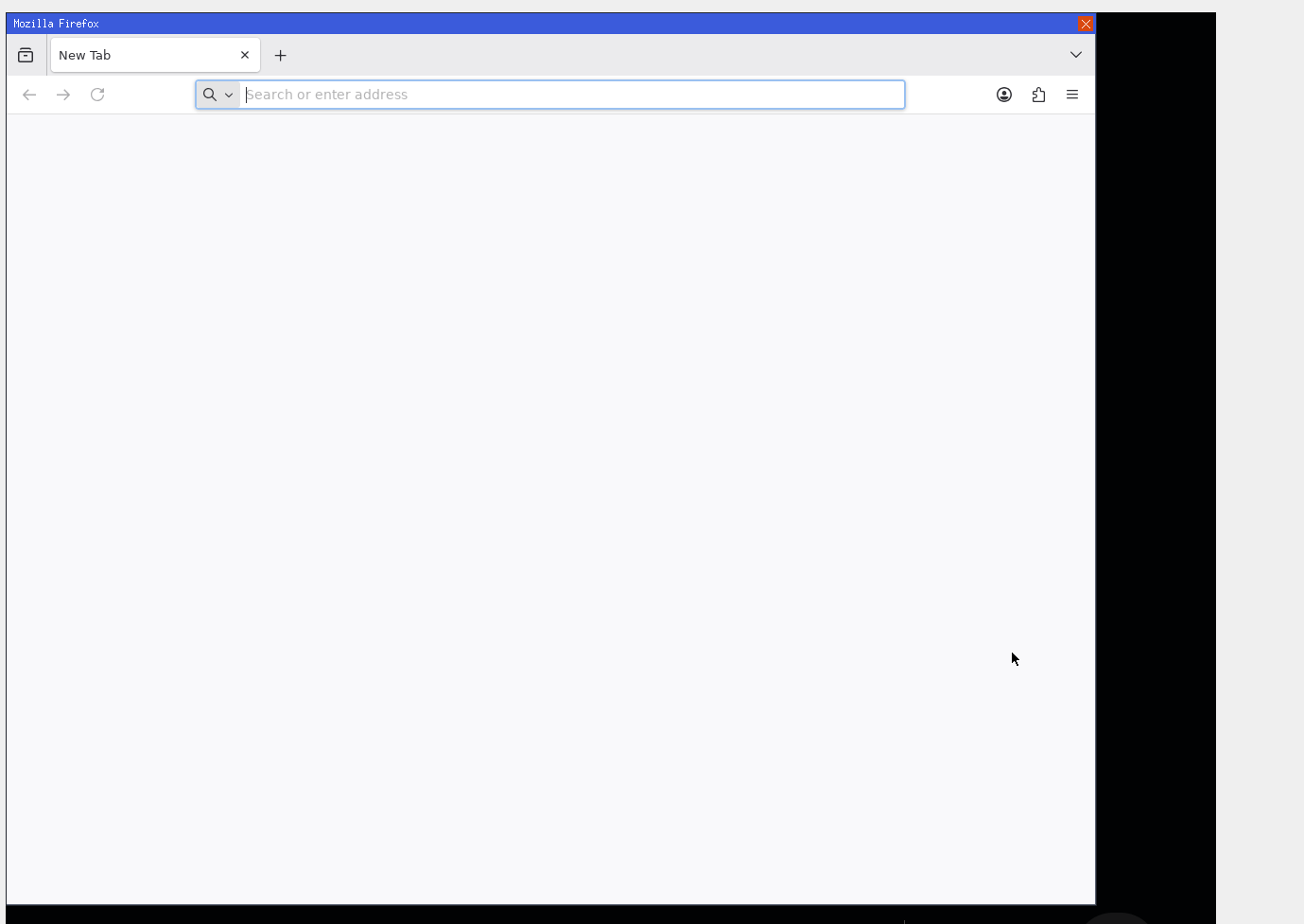
Firefox ESR also runs and draws its own window on NoovexOS. However, downloading or installing a package does not guarantee it can launch or work correctly. Compatibility depends on the interfaces and facilities that each program needs.
Read the reference: Part 6: Linux compatibility, libc and porting applications
7. Building the desktop and browser
The project includes its own desktop, compositor, file explorer, terminal and applications. These are part of the operating system's usable environment, not substitutes for the kernel and driver work underneath.
The NoovexOS browser combines its own HTML, CSS and layout engine with ported QuickJS for JavaScript. This is an important distinction: the browser's layout work belongs to NoovexOS, but QuickJS is a third-party engine ported to the system.
Read the reference: Part 11: Desktop, applications, shell and scripting
Read the reference: Part 13: The web engine, JavaScript and cookies
8. Testing the system and documenting its limits
The architecture reference describes generated host tests, whole-kernel host harnesses, separately built modules tested against device simulators, and comparisons between library or tool outputs. Those host test tools do not emulate a CPU instruction by instruction.
NoovexOS is a hobby OS, not POSIX-certified, and running some Linux-compatible programs is not the same as supporting all Linux software. The useful lesson is to document both functioning paths and known gaps, so readers can distinguish what exists from what still needs work.
Read the reference: Part 12: Testing, quality gates, debugging and history
Explore the actual implementation
Start with Parts 1 and 2 of the architecture reference for source organisation and booting, then follow the area you want to study. The guide points to implementation files and explains constraints; the source lets you inspect those choices directly.